Most business owners face the same challenge: technology grows more complex each year, but budgets stay tight. One server crash can cost thousands in lost revenue, yet most small businesses can’t afford full-time IT specialists for every technology area.
This creates a gap that managed IT services fill. These services give you access to complete IT departments without the overhead of full-time employees. But what exactly do these services include, and which ones does your business actually need?
In this article, we will break down the 12 main types of managed IT service and how each one protects your business to cut costs and keep operations stable.
What Are Managed IT Services?
Managed IT Services are a solution that allows businesses to outsource their technology needs to a specialized provider. Businesses can move away from the reactive response of waiting for issues to arise and paying on an hourly basis for repairs as a managed service provider (MSP) acts proactively by continuously monitoring, maintaining, and securing your systems.
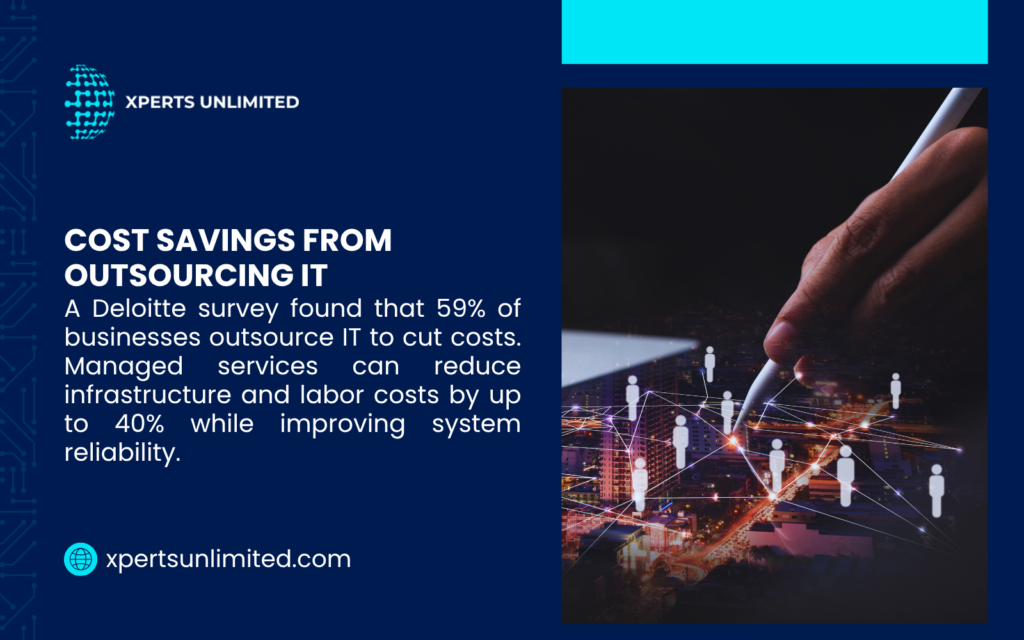
Instead, you simply pay a flat, monthly fee that can cover items such as security monitoring, data backups, cloud services, as well as help desk services for employees. It’s a lot like hiring your own in-house IT department without the costs of hiring a full team.
For most businesses, a managed service model gives them the benefits and protection of having a full IT team without the challenge of hiring and maintaining an internal team.
The 12 Main Types of Managed IT Services
1. Network and Infrastructure Management
Your network is the backbone of your business. If it slows down or goes down, so does everything else. With managed network services, you as a provider keep your systems stable, fast, and secure by monitoring traffic in real time and fixing issues before they cause problems.
They handle things like setting up routers and switches, updating firmware, and applying security patches and this happens usually during off-hours so your team can work without disruptions.
| Network Component | Management Activities | Business Impact |
| Routers & Switches | Configuration, updates, monitoring | Prevents connectivity issues |
| Bandwidth | Traffic analysis, capacity planning | Maintains speed during peak hours |
| WiFi Networks | Signal optimization, access control | Reliable wireless for mobile work |
| VPN Connections | Secure remote access setup | Safe work-from-home capabilities |
2. Cybersecurity Services
Cyber attacks can hit businesses of all sizes and cause major problems. And that’s why every business needs strong protection every day.
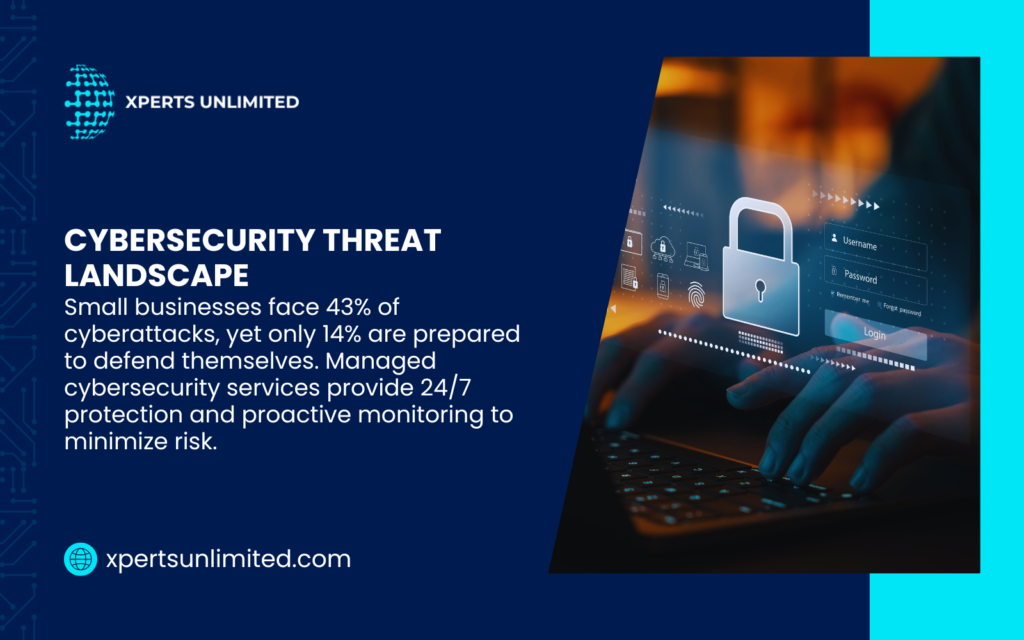
With managed cybersecurity, you as a provider place defenses to keep your systems safe. Firewalls block outside threats, antivirus tools protect devices, and monitoring systems watch for suspicious activity around the clock.
3. Data Backup and Disaster Recovery
Hardware fails. Employees make mistakes. Natural disasters strike without warning. Without proper backups, any of these events can destroy years of business data in minutes.
Backup services keep copies of your important files and systems so you never lose them. These backups run automatically (daily, hourly, or even in real time) and are saved in different places: locally for quick access and in the cloud for extra safety.
Disaster recovery is the plan for getting your business back up and running after something big goes wrong. Good providers test these recovery steps often to make sure everything works when you really need it.
Backup Type | Storage Location | Recovery Speed | Best For |
| Local Backup | On-site devices | Minutes to hours | Quick file restoration |
| Cloud Backup | Remote data centers | Hours | Protection from site disasters |
| Hybrid Backup | Both locations | Flexible options | Complete coverage |
| Replication | Live duplicate systems | Near-instant | Mission-critical operations |
4. Cloud Services Management
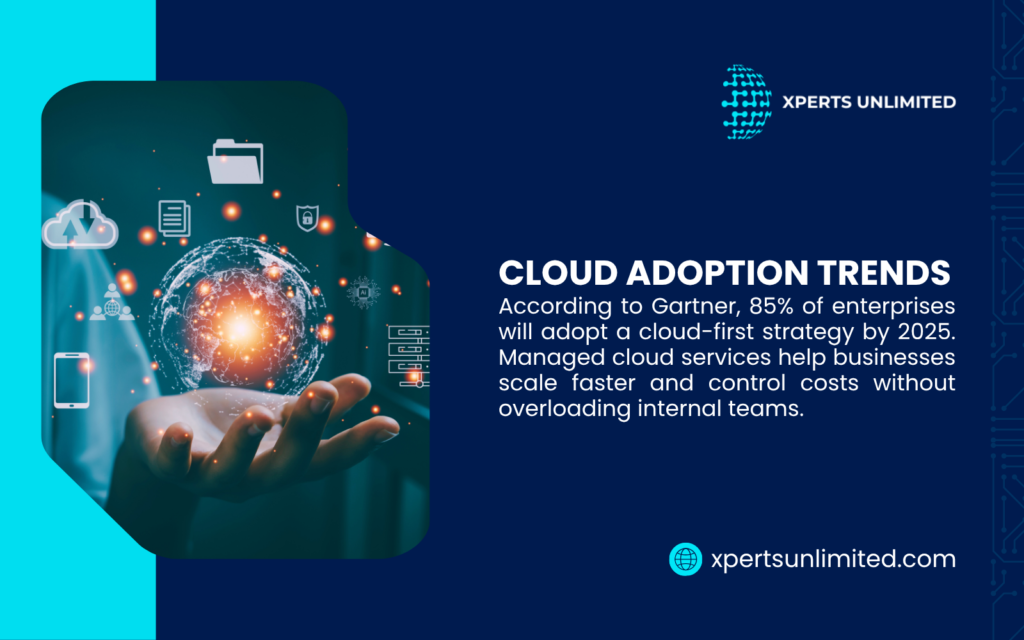
Cloud platforms like AWS, Azure, and Google Cloud offer powerful capabilities, but they require specialized knowledge to use effectively. Instead of worrying about setup and maintenance, you can focus on growing your business while experts manage the cloud
Providers help you choose the right cloud platform for your needs. They migrate existing systems to the cloud with minimal disruption. They configure security settings, manage access permissions, and optimize resource usage to control costs.
Cloud services management includes ongoing monitoring of performance and spending. Cloud costs can spiral out of control without proper oversight. Managed providers right-size your resources, so you pay only for what you actually use.
They can also manage setups where some systems stay in your office while others run in the cloud. This makes it easy to move to the cloud at your own pace, without having to switch everything at once.
5. Help Desk and Technical Support
Employees need quick answers when technology problems interrupt their work. A password reset or printer issue might seem minor, but multiply those interruptions across your whole team and productivity drops fast.
Help desk services give employees a single point of contact for all technology questions. They can call, email, or submit tickets through a web portal. Support technicians respond based on priority levels—critical issues get immediate attention while routine requests follow a queue.
The types of managed IT services for end-user support cover everything from password resets to software troubleshoots to new employee onboarding. Technicians remote into computers to fix problems without traveling to your office, which speeds up resolution times.
Most managed service providers offer tiered support. Level one handles common issues with known solutions. Complex problems escalate to senior technicians with deeper expertise. This structure ensures fast answers for simple questions while still providing expert help when needed.
6. Remote Monitoring and Management (RMM)
Remote monitoring tools watch every computer, server, and network device in your business 24/7. These systems track hundreds of performance metrics and alert technicians when something drifts outside normal parameters.
RMM software detects issues like hard drives near capacity, overheating components, failing backup jobs, or unusual network activity. Many problems get fixed automatically through pre-configured scripts. Others trigger alerts for human review.
This constant vigilance prevents small issues from snowballing into major failures. A hard drive that’s 90% full gets cleaned up before it crashes. A server running hot gets additional cooling before components fail. Software conflicts get resolved before users notice problems.
Monitoring Function | What Gets Tracked | Prevention Benefit |
System Health | CPU, memory, disk usage | Prevents performance degradation |
Security Status | Antivirus, firewall, patches | Maintains protection coverage |
Backup Verification | Job completion, data integrity | Ensures recovery capability |
Application Performance | Response times, errors | Detects issues before users |
The monitoring happens silently in the background. Employees never notice the surveillance unless a problem needs their attention. This proactive approach catches roughly 85% of potential issues before they affect operations.
7. IT Consultation and Strategy (vCIO Services)
Most business owners don’t have the technical background to objectively assess technology before deciding, and technology investments can create or destroy a business. Virtual Chief Information Officer (vCIO) services offer strategic technology leadership for a fraction of the cost of an executive salary.
A vCIO will meet with you to get a better understanding of your business goals, study the technology that you currently use and develop plans that consider IT investments and resources to meet your business goals. They will research available solutions, compare different vendors, and recommend systems that genuinely meet your needs and budget.
One of the great advantages of having a vCIO is that they have experience from dozens or hundreds of other businesses. They know what works, what doesn’t work, and what is a good value for the investment. This experience will help you to prioritize your spending on technology that will achieve real results for your business.
You’ll have regular strategy sessions to keep your technology plans up to date as your business changes. The vCIO watches trends, evaluates new tools, and advises when to upgrade..
8. Managed Communications (VoIP and Unified Communications)
Phone systems have significantly progressed beyond being purely a calling device. Today’s business-style communications combine voice, video, instant messages, and collaboration tools into a single platform that is accessible anywhere.
Managed communications services manage the entire lifecycle of these systems. They work with you to develop solutions that are relevant to how your team really works. The managed communications service provider (MCSP) will port over existing phone numbers, configure call routing, and set-up voicemail-to-email services.
A VoIP phone system runs over the internet connection instead of traditional phone lines. It reduces expenses but adds features like auto-attendants, call recording, mobile apps, and video conferencing. Your team has a consistent experience: whether they are working from the office, at home, or on the go, they are connected with the same capabilities.
The provider monitors your call quality, manages your bandwidth, and troubleshooting connection issues for you. They provide ongoing system updates and add new users as required. Educators will train employees on new features when required by support staff.
9. Software as a Service (SaaS) Management
Most businesses now use dozens of cloud-based software applications. Microsoft 365, Salesforce, Slack, QuickBooks Online—each tool requires licenses, user management, security configuration, and integration with other systems.
SaaS management services consolidate control over your entire software portfolio. Providers track all subscriptions, manage user accounts, and optimize license counts to eliminate waste. They configure security settings across platforms and ensure compliance with your data policies.
Integration creates particular value here. Your managed service provider connects different applications so data flows smoothly between systems. Customer information from your CRM appears in your accounting software. Calendar appointments sync across platforms. Email security works consistently regardless of device.
They also handle onboarding and offboarding processes. New employees get access to all necessary applications on day one. Departed employees lose all access immediately to protect company data.
10. Compliance and Regulatory Services
Regulated industries face strict requirements for data protection, privacy, and system security. Healthcare businesses must comply with HIPAA. Financial services need SOC 2 certification. Any company handling European customer data faces GDPR requirements.
Compliance services ensure your technology meets all applicable regulations. Providers conduct gap assessments to identify deficiencies in your current setup. They implement required controls, document policies and procedures, and maintain audit logs.
Industry | Key Regulations | Common Requirements |
Healthcare | HIPAA, HITECH | Encrypted data, access controls, audit logs |
Finance | SOX, PCI DSS | Transaction security, data retention, reporting |
Legal | State bar rules | Client confidentiality, secure communications |
Manufacturing | ITAR, CMMC | Supply chain security, access restrictions |
Regular compliance audits verify that controls remain effective. The managed IT services provider prepares all documentation needed for regulatory reviews. They work directly with auditors to answer technical questions and demonstrate compliance.
Violations carry heavy penalties which can be fines, lawsuits, and reputation damage. Professional compliance management protects your business from these risks while freeing you to focus on core operations.
11. Hardware and Device Management
Every computer, server, printer, and mobile device in your business requires ongoing maintenance. Operating systems need updates. Hard drives eventually fail. Devices get lost or stolen. This lifecycle management never stops.
Hardware management services track every device in your inventory. They maintain detailed records of purchase dates, warranty status, and maintenance history. This information helps plan replacement schedules before critical failures occur.
Providers handle device setup and configuration. New computers arrive ready for work with all necessary software pre-installed. Mobile devices get security settings and company email configured automatically. Departing employees return equipment that gets wiped, refurbished, and reassigned.
Repair coordination also falls under hardware management. When devices fail, the provider handles warranty claims, arranges repairs, and provides temporary replacements to minimize downtime.
12. Application Management and Support
Beyond operating systems and network infrastructure, your team relies on specific business applications to complete daily work. Accounting software, customer relationship management tools, project management platforms—each application needs proper configuration, regular updates, and user support.
Application management ensures these programs work reliably and integrate smoothly with other systems. Providers install updates during maintenance windows to avoid disruptions. They troubleshoot software bugs and coordinate with vendors when issues require developer attention.
Custom applications require even more specialized support. Whether you run proprietary software or have custom-built tools, managed services include expert support for these critical systems. Providers learn how your applications work, document processes, and train new users.
Performance monitoring tracks application speed and reliability. Slow database queries get optimized. Memory leaks get patched. Version conflicts get resolved before users encounter errors.
Get Expert Managed IT Services That Grow With Your Business
Xperts Unlimited has been providing managed IT services to businesses in Southern California since 2000. With our flat-rate plan, there are no surprise IT bills. Your technology just works, so you can focus on your business.
We support businesses in Los Angeles and Orange County with 24/7 monitoring, maintenance, and expert help. Our team knows what small and medium businesses need and provides solutions that grow with you.
Get a free consultation today and see how our managed IT services can make your technology easier and safer.