
Running a small business means juggling a lot at once. Between managing employees, serving customers, and keeping an eye on cash flow, technology often gets pushed aside until it breaks.
Many business owners wonder which IT services are really needed and which ones are optional. The answer depends on your business, but some core services protect every business from costly problems.
In this article, we will break down the essential IT services small businesses need to stay competitive, secure, and operational in 2025.
Why Do Small Businesses Need Professional IT Services?
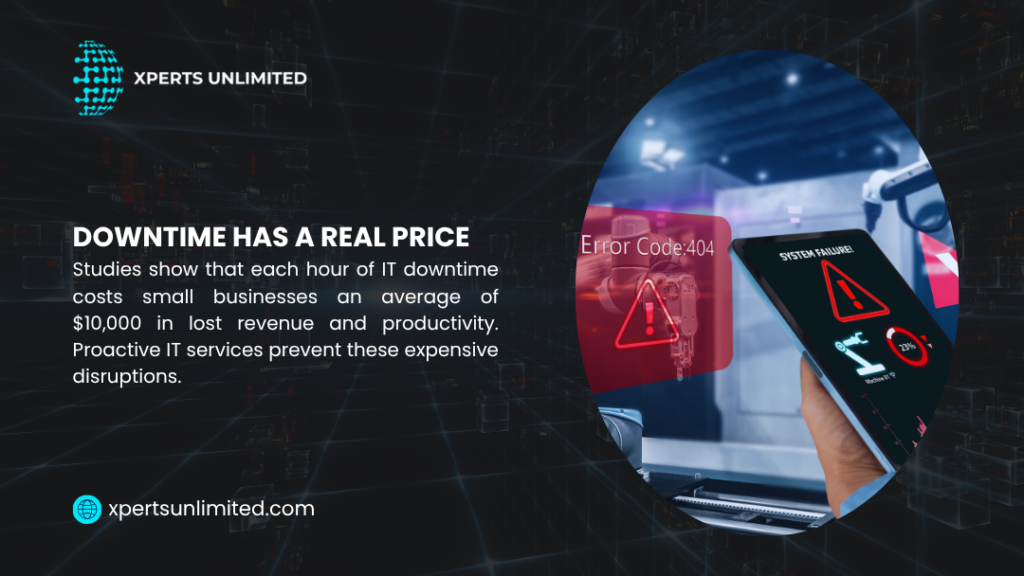
Technology failures can impact small businesses far more than larger corporations. Even a single day of email downtime can lead to lost deals and frustrated customers. Ransomware attacks or system failures can halt operations for days or weeks.
Professional IT services bridge this gap by providing expert support without the cost of full-time employees. Systems are resolved faster, maintained securely, and monitored proactively, allowing you to focus on running your business instead of troubleshooting technology.
- Network Setup and Management
Your network connects every device and enables all digital operations. A poorly configured network creates constant headaches: slow internet, dropped connections, and security vulnerabilities.
Professional network services start with proper infrastructure design. Technicians assess your space, determine optimal equipment placement, and configure routers and switches for maximum performance.
They set up separate guest networks to protect company data and implement quality of service rules so critical applications get priority bandwidth. Regular maintenance keeps networks stable.
Firmware updates patch security holes. Performance monitoring spots bottlenecks before they slow down operations.
When issues occur, technicians diagnose and fix them quickly instead of leaving you to guess what went wrong.
| Network Service | What It Includes | Why You Need It |
| Initial Setup | Equipment selection, installation, configuration | Proper foundation prevents future problems |
| WiFi Optimization | Signal strength testing, access point placement | Reliable wireless throughout your space |
| Security Configuration | Firewall rules, access controls, encryption | Protects against unauthorized access |
| Ongoing Monitoring | Performance tracking, issue detection | Prevents downtime and slowdowns |
- Cybersecurity Protection
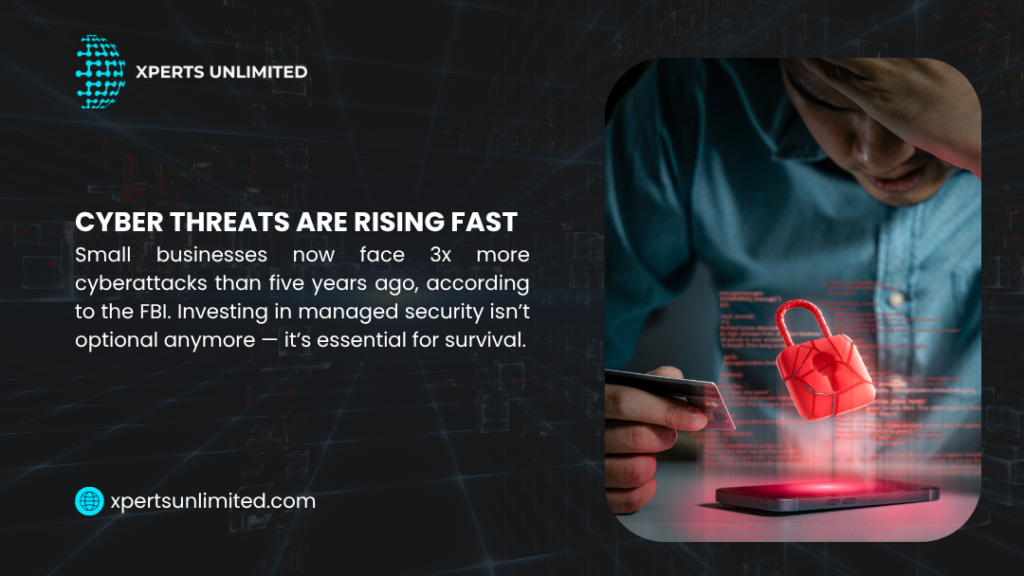
Cyber criminals target small businesses because they often lack strong security defenses. The FBI reports that small business cyber attacks increased 300% in recent years, with average costs exceeding $200,000 per incident.
The IT services small businesses need for security include multiple protection layers. Firewall services block malicious traffic at your network edge.
Endpoint protection secures individual computers against viruses and malware. Email filtering stops phishing attempts before they reach employee inboxes.
Security isn’t a one-time setup. New threats emerge constantly, and protection systems need regular updates to stay effective.
Managed security services monitor for threats around the clock and respond immediately when suspicious activity appears. Employee training forms another critical component.
Most breaches start with human error—someone clicks a malicious link or uses a weak password. Regular security awareness training teaches your team to recognize and avoid common threats.
- Data Backup and Recovery Services
Backup services create automatic copies of all important data on a set schedule. The data is stored in multiple places: locally for quick recovery and in the cloud for protection against disasters.
Recovery is just as important as backups. A backup is useless if you can’t restore your data when needed. Professional services include regular tests to make sure everything works.
Local backups restore data quickly but don’t protect against fires or floods. Cloud backups take longer to restore but survive any local disaster. Most businesses use both for full protection.
- Help Desk Support
Technology problems interrupt work constantly. Forgotten passwords, software errors, printer issues, email problems—each interruption costs time and productivity.
Help desk services give employees a single point of contact for all technology questions. They call a phone number or submit a ticket online, and support technicians handle the issue.
This beats the alternative where employees interrupt each other or bother the owner with every tech problem. Response times depend on issue severity.
Critical problems that stop work get immediate attention. Routine requests follow a queue but still get resolved within reasonable timeframes.
Most help desk services commit to specific response and resolution targets in their service agreements. Remote support solves most issues without site visits.
Technicians connect to computers over the internet, see exactly what users see, and fix problems directly. This speed benefits everyone—employees get back to work faster, and you avoid paying for unnecessary travel time.
- Cloud Services and Email Hosting
Email has become essential for business communication, yet many small businesses still use consumer email services that lack business features and proper security. Professional email hosting provides custom domain addresses that look more credible than generic email accounts.
It includes larger storage limits, better spam filtering, and enhanced security features. Most importantly, business email hosting comes with support when issues occur.
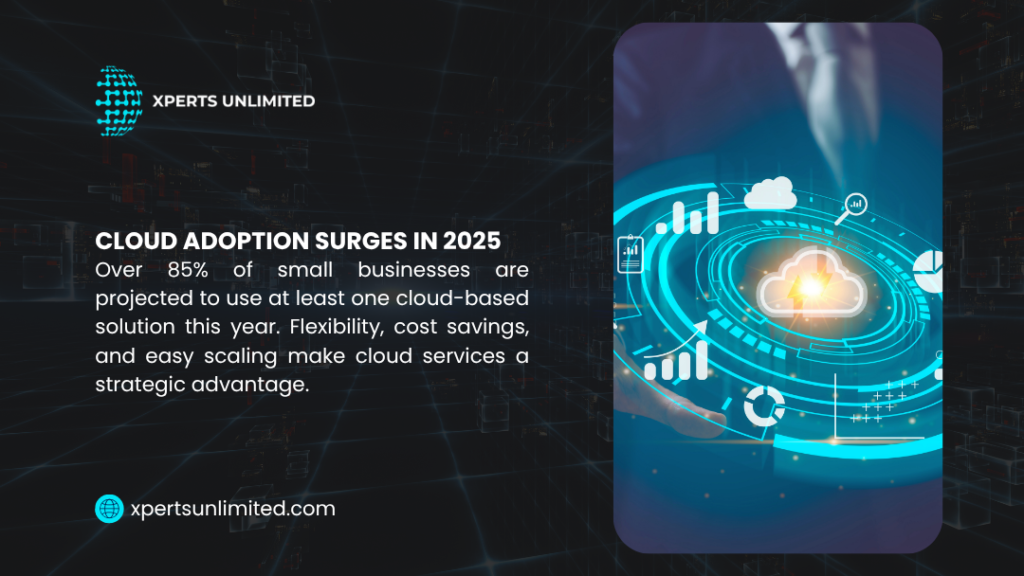
Cloud services extend beyond email to include file storage, collaboration tools, and business applications. These services let employees access files from anywhere, work together on documents simultaneously, and maintain productivity outside the office.
The shift from traditional server-based systems to cloud services makes particular sense for small businesses. You avoid large upfront hardware costs and pay predictable monthly fees instead.
Updates and maintenance happen automatically. Capacity scales up or down based on current needs.
- Computer and Device Management
Every computer, laptop, tablet, and phone in your business needs ongoing maintenance. Operating systems require updates.
Security patches close vulnerabilities. Software needs periodic upgrades.
Storage drives eventually fill up or fail. Device management services handle this entire lifecycle.
New computers arrive configured and ready for work. Existing devices get regular maintenance to keep them running smoothly.
Old equipment gets retired and replaced on schedule before catastrophic failures occur. Standardization creates significant benefits here.
When all computers run the same operating system version and software, support becomes easier and faster. Technicians know exactly what to expect and can solve problems quickly.
New employees can sit down at any workstation and find familiar tools. Mobile device management becomes necessary as employees use phones and tablets for work.
These services secure devices, manage app installations, and enable remote data wipes if devices get lost or stolen.
- Strategic IT Planning
Technology decisions affect business success for years. Choose the wrong software and you waste money on tools that don’t fit your needs.
Delay necessary upgrades and you risk security breaches or system failures. Strategic IT planning services help you make smart technology decisions.
An experienced consultant learns your business goals, evaluates current systems, and creates roadmaps that align technology investments with business objectives. These plans prevent both premature spending on unnecessary tools and dangerous delays in critical upgrades.
You know when to invest in new equipment, which software solutions fit your workflow, and how technology changes will affect operations. The benefits of managed IT services become most apparent in strategic planning.
Instead of guessing what technology you need, you work with experts who’ve helped dozens of similar businesses. They know what works, what fails, and what represents good value for your specific situation.
- VoIP Phone Systems
Traditional phone lines cost more and offer fewer features than modern VoIP systems. VoIP runs phone service over your internet connection, which cuts costs while adding capabilities impossible with old phone systems.
Features include auto-attendants that greet callers professionally, call forwarding to mobile phones so you never miss important calls, voicemail-to-email delivery, and video conference capabilities. Employees can use desk phones in the office and mobile apps on the road with the same phone number.
VoIP systems scale easily as you grow. Add new users in minutes without installing phone lines.
Open new locations and connect them to your phone system over the internet. Move offices without changing phone numbers or losing service during the transition.
Professional VoIP services include system design, installation, configuration, and ongoing support. Providers monitor call quality, troubleshoot connection issues, and handle technical problems so your team can focus on customer conversations instead of phone system administration.
- Software Updates and Patch Management
Software vulnerabilities create security risks and stability problems. Vendors release updates constantly to fix bugs, patch security holes, and improve performance.
Yet many small businesses run outdated software because nobody handles updates systematically. Patch management services ensure all software stays current.
Updates get tested in controlled environments before deployment to avoid breaking critical applications. Installation happens during off-hours to minimize disruptions.
Failed updates get rolled back immediately. This applies to operating systems, business applications, security software, and even firmware in network equipment.
Comprehensive patch management covers everything in your technology environment. The alternative—ignoring updates—creates serious risks.
Cyber criminals specifically target known vulnerabilities in outdated software. Many major breaches succeed because victims failed to install available security patches.
Why the Right IT Services Matter for Small Business Success
Small businesses compete against larger companies with bigger budgets and full IT departments. Professional IT services level this playing field by giving you access to enterprise-grade technology and expertise at small business prices.
The difference between various types of managed IT services and traditional break-fix support becomes clear over time. Break-fix means calling technicians only when something breaks, then paying hourly rates for emergency repairs.
This approach costs more in the long run and leaves you vulnerable between incidents. Proactive IT services prevent problems instead of just reacting to failures.
Systems get monitored constantly. Security stays current.
Backups run automatically. Most issues get caught and fixed before they affect operations.
The importance of managed IT services shows up in business continuity. Companies with proper IT support experience less downtime, suffer fewer security incidents, and maintain productivity even during technology challenges.
This reliability lets you focus on growth instead of constantly firefighting tech problems.
Get Reliable IT Services From Experts With 20+ Years Of Proven Results
Xperts Unlimited has been providing the IT services small businesses need since 2000. With our flat-rate plan, there are no surprise IT bills. Your technology just works, so you can focus on your business.
We support businesses in Los Angeles and Orange County with 24/7 monitoring, maintenance, and expert help. Our team knows what small and medium businesses need and provides solutions that grow with you.
Get a free consultation today and see how our managed IT services can make your technology easier and safer.